English











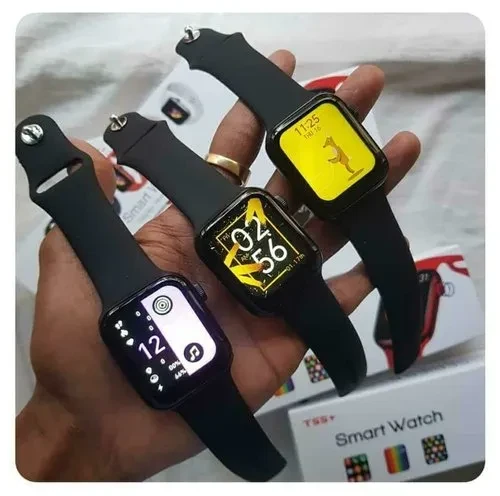
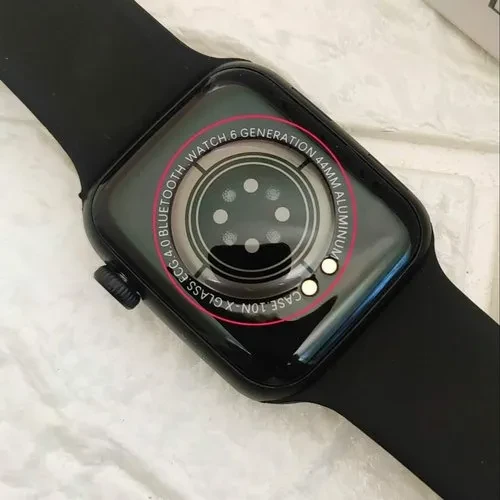
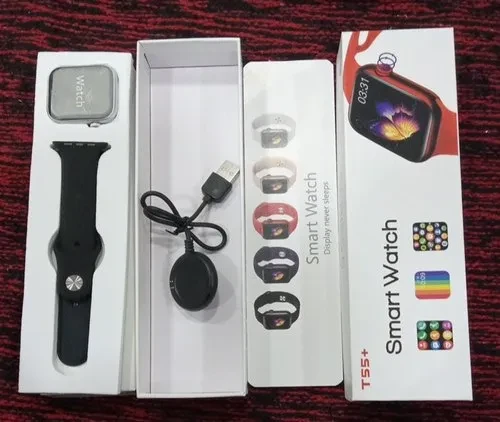
| Details description | ||||||||||||||||||||||||||
|---|---|---|---|---|---|---|---|---|---|---|---|---|---|---|---|---|---|---|---|---|---|---|---|---|---|---|
Long press the power button to turn on, please make sure the mobile phone Bluetooth is turned on (Android needs to turn on GPS) Open the”Hry Fine” on the mobile phone-entermy device to match the hand, select the MAC string matching the Hand to connect, if you can’t’ find the device, you can click the device list in the upper right corner to search. After the APPA is connected to the Hand successfully, a guide page will pop up. According to the guide page, enter the Bluetooth serch pairing “Hry 3.0 After successful connected to the Bluetooth 4.0function, and can only perform (NOTE: The APP is only connected to the Bluetooth 4.0 function, and can only perform data interaction with the Hand. It cannot perform music playback and use the voice call function. You need to connect to the Bluetooth 3.0 function to use it. The Bluetooth 3.0connection method needs to be read carefully after the APP connection is completed GUIDE PAGES ) Additional Information:
|

No review yet!